Understanding the Financial Impact of Streaming Services
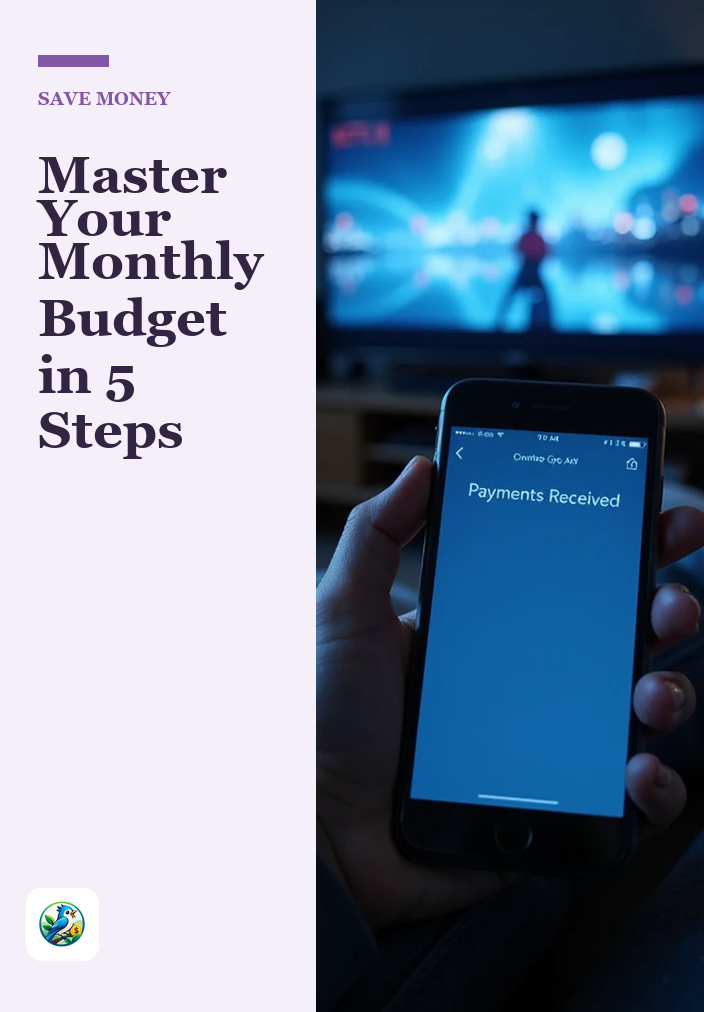
In today’s digital age, streaming services have become a staple in our entertainment diets. However, as the variety of platforms continues to grow, so does the potential for overspending. If you’re finding that your monthly bills for streaming subscriptions are adding up, it might be time to take a closer look. Canceling unused streaming services can be a straightforward way to boost your savings. Let’s explore how to assess your subscriptions and cut costs effectively.
Assessing Your Current Subscriptions
The first step in managing your streaming expenses is to take stock of your current subscriptions. This means listing every service you’re currently paying for, regardless of how often you use them.
Steps to Evaluate Your Subscriptions
- Gather Your Bills: Check your bank statements or credit card bills for recurring charges related to streaming services.
- Create a List: Write down each service, along with the monthly cost and the last time you used it.
- Track Usage: For the next month, keep a log of how often you use each service. This can help clarify which ones are truly worth the cost.
By following these steps, you can have a clear picture of your spending habits. This transparency is essential when deciding which subscriptions to keep and which to cancel.
Identifying Unused or Underused Services
Once you have a comprehensive list, it’s time to identify the services that aren’t providing enough value for the money spent. Here are some criteria to consider:
Criteria for Cancellation
- Low Usage: If you haven’t used a service in the last month, it’s a strong candidate for cancellation.
- Similar Content: If multiple services offer similar shows or movies, consider which one you watch more frequently.
- Free Alternatives: Research whether there are free or cheaper alternatives available. Many libraries offer free streaming services.
By applying these criteria, you can quickly narrow down your list to only the essential services that align with your viewing habits.
Calculating Your Potential Savings
Now that you have identified the services you can cancel, it’s time to calculate the potential savings. This isn’t just a matter of subtracting costs; it’s about understanding how these savings can impact your financial situation over time.
Steps to Calculate Savings
- Add Up Monthly Costs: Total the monthly costs of the subscriptions you plan to cancel.
- Project Annual Savings: Multiply your monthly savings by 12 to see your annual savings.
- Consider Opportunity Costs: Think about what you could do with that money instead—whether it’s saving for a goal, paying down debt, or investing.
For example, if you cancel two subscriptions that cost $15 each, you’ll save $30 a month. Over a year, that’s a significant $360 that could go towards better financial goals.
How to Cancel Your Subscriptions
Once you’ve made your decisions, the next step is the actual cancellation process. Each service has its own cancellation policy, but here are some general steps to follow:
Steps to Cancel
- Log into Your Account: Go to the official website or app of the service you wish to cancel.
- Access Account Settings: Navigate to the section that deals with subscriptions or billing.
- Follow Cancellation Instructions: Look for an option to cancel your subscription and follow the prompts. Make sure to confirm the cancellation.
- Check for Confirmation: After cancellation, you should receive an email or notification confirming your cancellation. Keep this for your records.
It’s always a good idea to double-check your next billing cycle to ensure you won’t be charged again.
Staying Accountable
After canceling your unused subscriptions, it’s crucial to stay accountable to your new financial plan. Here are some tips to help you maintain your savings:
Tips for Maintaining Savings
- Set a Budget: Create a budget that accounts for entertainment expenses, including streaming services.
- Regular Review: Schedule periodic reviews of your subscriptions every few months to ensure you’re not overspending again.
- Explore Free Content: Look for free streaming options or consider sharing accounts with family or friends, where permissible.
By staying mindful of your expenses, you can continue to save money and improve your financial situation.
Next Steps for Financial Improvement
Canceling unused streaming services is a practical first step toward boosting your savings. Beyond this, consider these additional actions:
- Evaluate other recurring subscriptions (like gym memberships or magazine subscriptions) for potential savings.
- Focus on creating a budget that tracks your income and expenses effectively.
- Set savings goals, whether for an emergency fund or paying off debt, to give your savings purpose.
By taking these steps, you’ll not only save money today but also create a solid foundation for your financial future.